 Kristen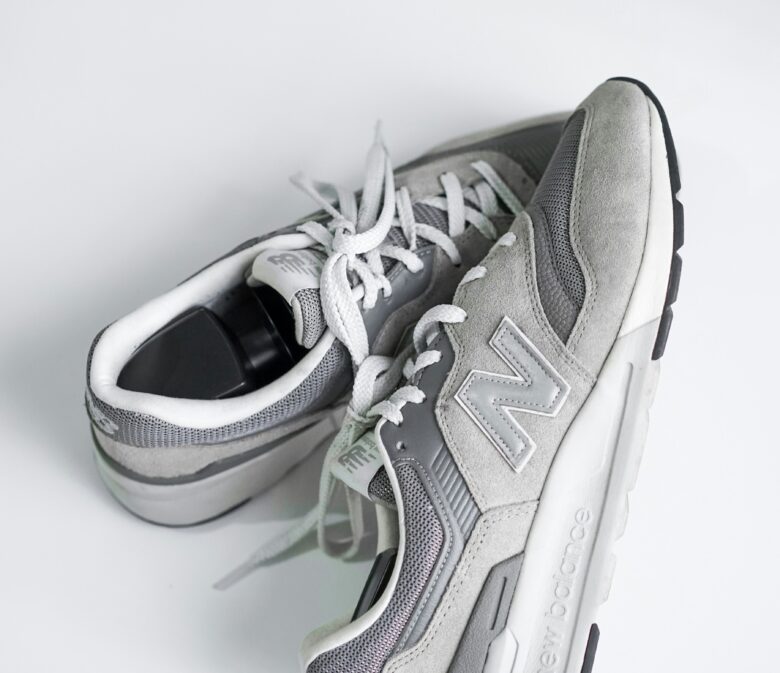
Capital One Offers is my favorite shopping portal, and for good reason. It features solid deals every single day, gives you a sneak peek at upcoming offers so you can plan ahead, and best of all, miles post to your account surprisingly quickly.
Let’s walk through exactly how to use it.
Getting Started
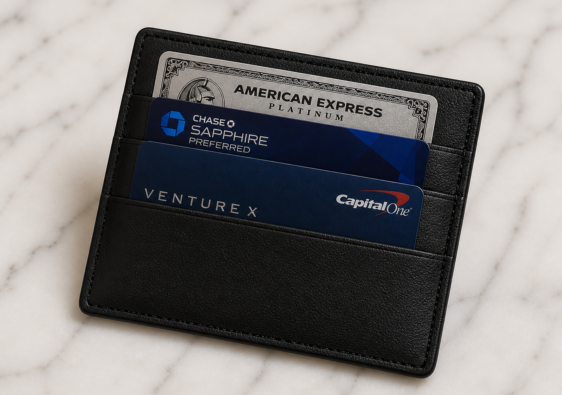
First, you’ll need a Capital One credit card. If you don’t have one yet, you can use my referral link to sign up. I personally carry the Venture X card — it’s an excellent all-around option thanks to its unlimited 2x miles on every purchase. Once you’re in the Capital One family, log in to your account using the button in the upper right-hand corner.
Finding Your Offers
After logging in, navigate to the bottom left corner and click View All Offers.
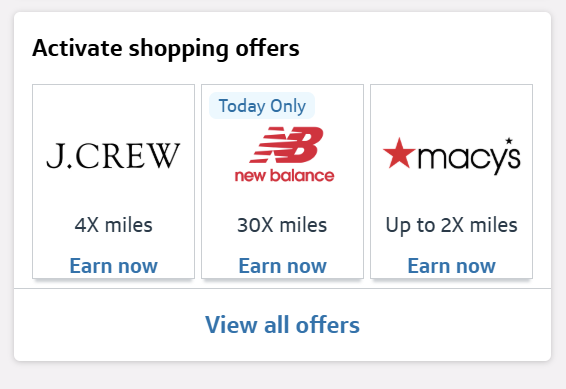
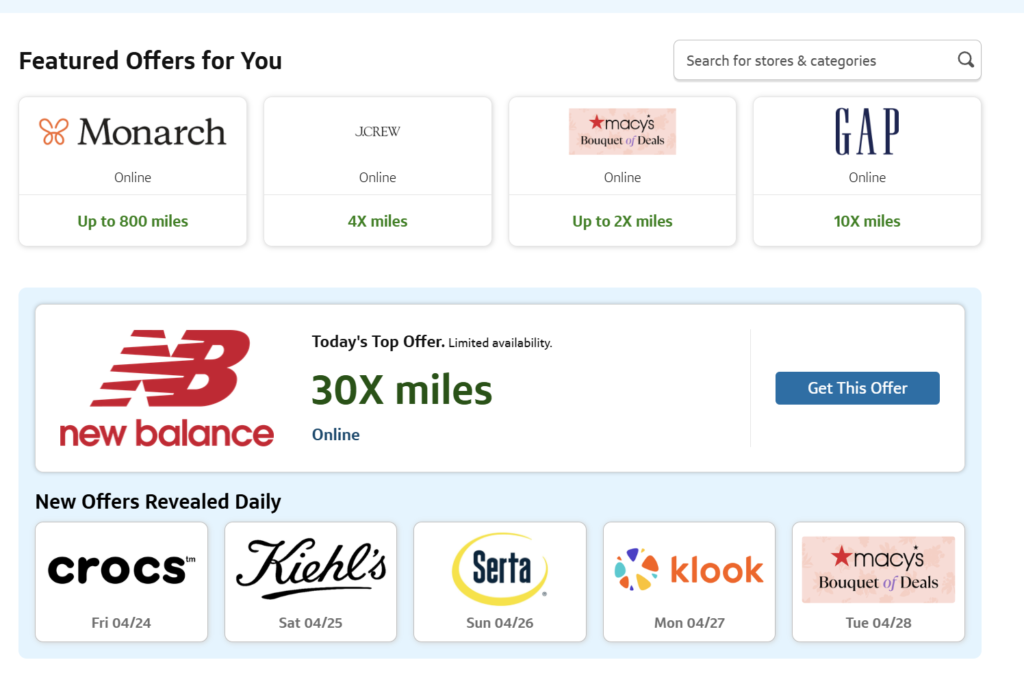
The Next screen will show you the Featured Offer of the Day as well as other offers Capital One thinks you may be interested in based on your past shopping habits.
A Real-Life Example
Today’s offer is a great one that I took advantage of. I bought myself and my husband a new pair of shoes. Our total was $204, which means I will earn 6,120 points to use for travel. Using my Virgin Atlantic Math, that is enough for a one way ticket from Dulles to London. Not bad for two pair of sneakers!
Before You Shop
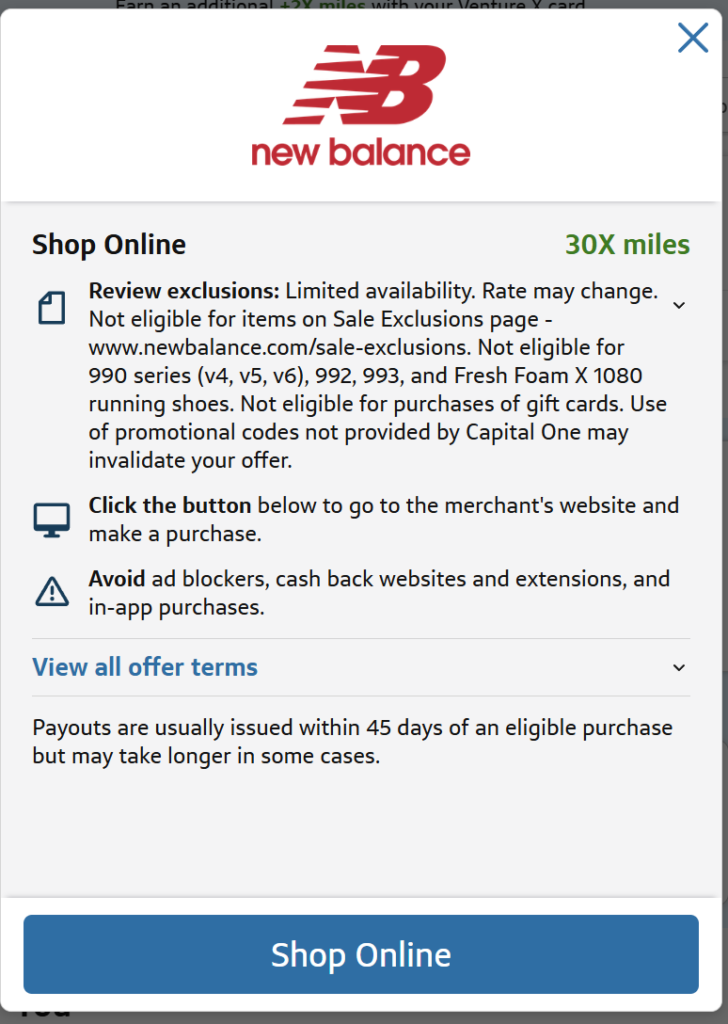
After clicking “Get This Offer,” take a moment to review the exclusions. The fine print can disqualify certain purchases, and the last thing you want is to miss out on miles you were counting on.
After Your Purchase
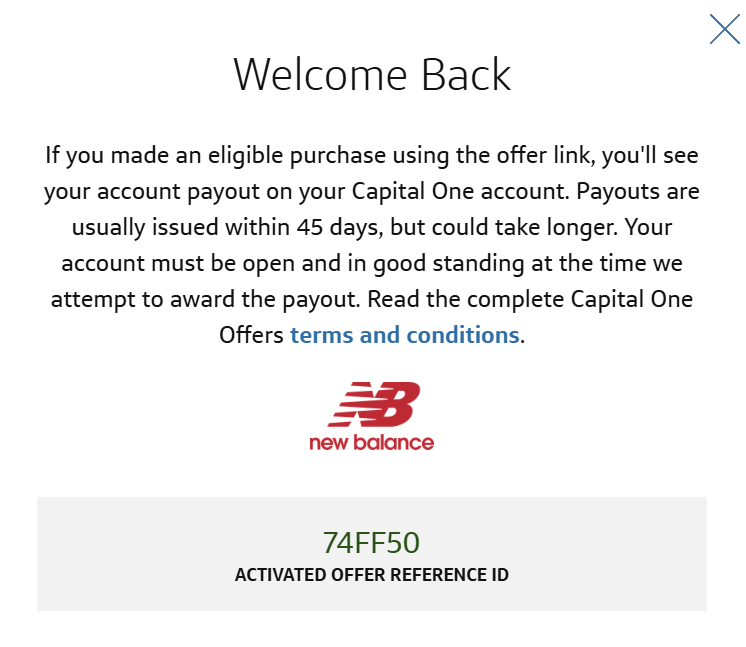
Once you’ve finished shopping, head back to Capital One. I always take a screenshot of my completed order as a backup — just in case you ever need to verify a trip. Also, if you have other shopping portal extensions installed (like Rakuten), make sure they’re disabled before you shop. You can only use one portal at a time, so close out any other active offers before proceeding.
Tracking Your Miles
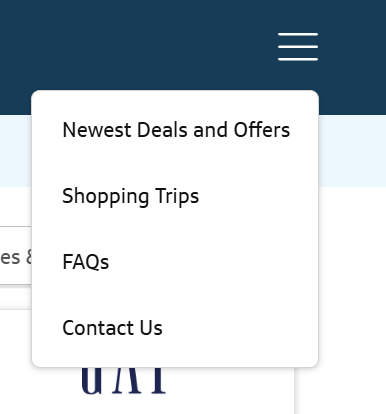
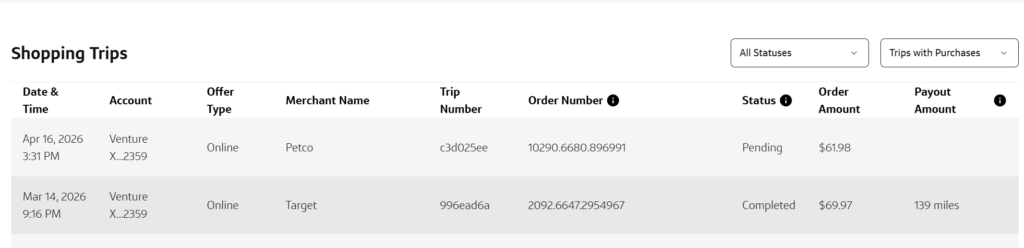
A few days after your purchase, check Shopping Trips in the upper right corner to monitor your miles.
Tracking Your Miles
Keep in mind that posting can take a little time — a purchase I made two days ago is still pending, so patience is key.
A Few Important Notes from the FAQs
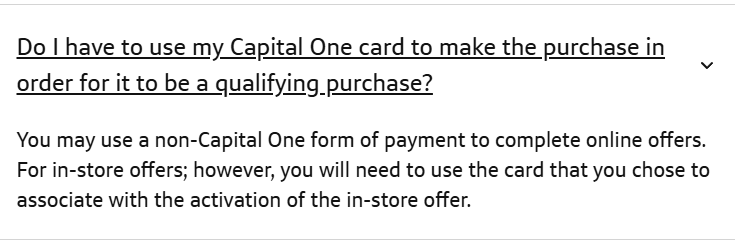
For online purchases, you are not required to pay with your Capital One card to earn portal miles — though using it will stack an additional 2x miles on top. However, if you’ve activated an in-store offer, your Capital One card is required at checkout.
One drawback worth mentioning: unlike Rakuten, Capital One Offers doesn’t have an online form for reporting missing trips. Based on my research, you’ll need to call the number on the back of your card for assistance. I’ve been fortunate not to need it yet, but it’s smart to keep a record of your purchase date, pre-tax total, and expected miles multiplier — just in case.
If you have any questions, please add a comment. We are thrilled to help you shop your way to free travel – just like Christine did recently with a dog food purchase!